The End is Nigh! Part 1
 April 19, 2026 | Categories:
Computer Stuff.
April 19, 2026 | Categories:
Computer Stuff.
Terminal
adjective: terminal
forming or situated at the end or extremity of something.
TLDR: Too Long Didn't Read
The computer "Terminal" is an interface which allows a user to interact with their computer using plain text in a window without pictures, icons, mouse pointers etc. Anyone who really wants to learn to write code, run a local AI, set up a database or play with a remote server, needs to learn how to use a terminal. This post looks at the development of the terminal.
Thank you to Gemma4:26b for your help in writing this., and ChatGPT an Claude for the image. (This is a blog about me learning about AI, so naturally AI will be heavily used in its production.)
THE TERMINAL: A Biography of the Interface
The blinking cursor.
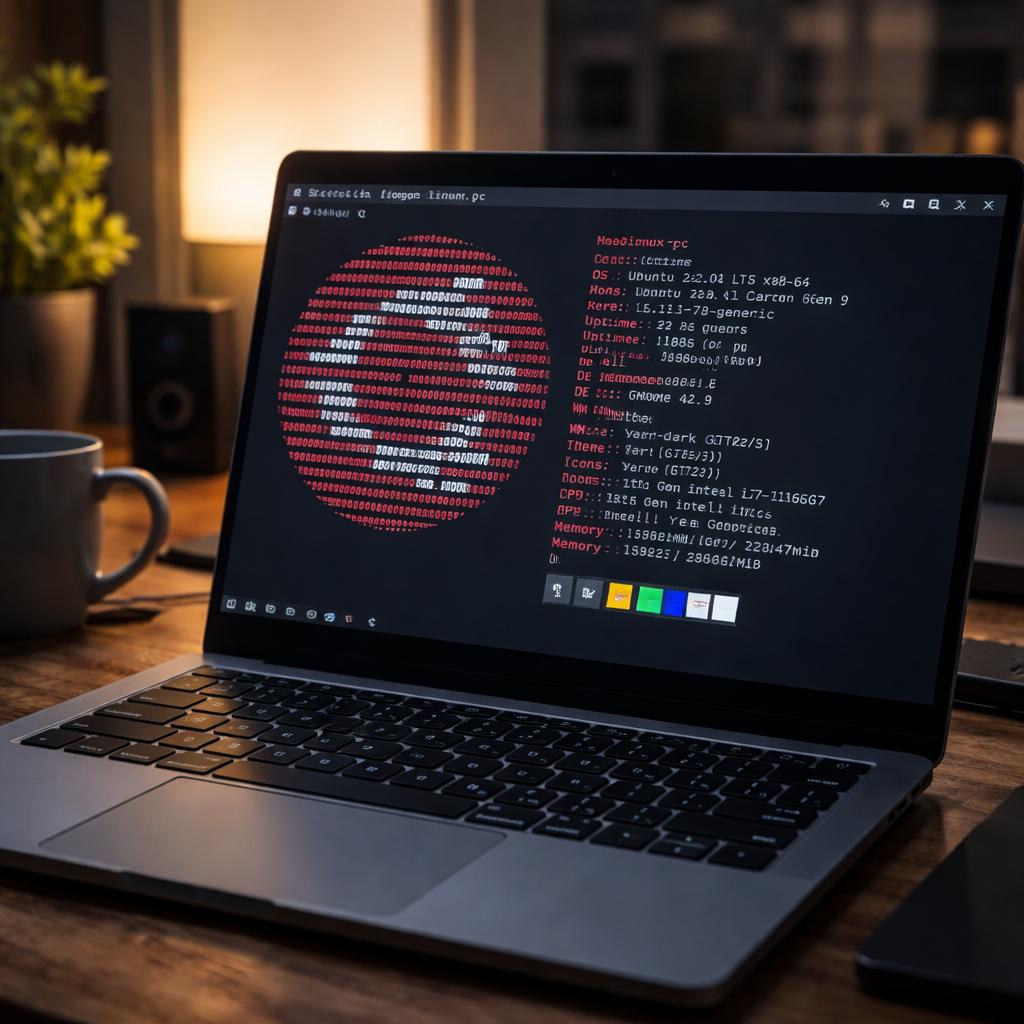
If you have ever spent a late night working on a laptop, or perhaps if you have ever wandered into a high-tech server room, you have seen it. A small, rhythmic underscore or a block of light, pulsing steadily against a sea of black or deep blue. To the uninitiated, it looks like nothing more than a flickering heartbeat, a sign that the machine is awake. But that tiny, rhythmic pulse is the modern descendant of one of the most profound evolutions in human history: the evolution of the terminal.
To understand the "terminal" is to understand how humans learned to speak to machines. We did not start by tapping on glass screens or waving our hands in front of infrared sensors. We started with paper, with mechanical gears, and with a profound, physical struggle to translate human thought into a language of holes and electricity. The story of the terminal is not just a story of hardware; it is a story of the shrinking distance between the human mind and the digital machine.
THE ERA OF THE PHYSICAL: THE PUNCH CARD AND THE BATCH
In the beginning, there was no "interface" in the way we think of it today. There was no real-time conversation. If you were a programmer in the 1950s or 1960s, you did not sit in front of a computer and watch it work. You did not "interact" with it. Instead, you prepared for it.
The computer of this era, a massive, room-sized behemoth like the IBM 7090, was a "batch processing" machine. It was a solitary, powerful engine that performed repetitive, heavy-duty calculations. It did not need a conversation; it needed instructions. Those instructions were delivered via punch cards.
Imagine a deck of stiff paper cards. Each card had a series of rectangular holes punched into it. These holes were the "code." One card might represent a single line of a mathematical formula; another might represent a command to start a process. To "program" was to engage in a highly physical, almost artisanal craft. You sat at a machine called a keypunch, which looked much like a heavy-duty typewriter, and manually punched holes into paper.
The "interface" here was a physical object you could hold in your hands. You would take your stack of cards—your "job"—to a window or a counter, hand it to a human operator, and then... you would wait.
This is a concept that is almost impossible for a modern person to grasp. Today, if a website takes ten seconds to load, we feel a surge of frustration. In the era of batch processing, "latency" was measured in hours or even days. You submitted your cards in the morning, and you might not know if they worked until the following afternoon. If you had made a single typo—a single misplaced hole in a card—the computer would simply reject the entire batch, and you would have to start the cycle all over again.
There was no feedback loop. The computer was a black box. You fed it paper, and it eventually spat out a printout. The "terminal" did not exist because there was no "end point" for a user to connect to. There was only the machine, and the heavy, physical labor required to talk to it.
THE TELETYPE: THE BIRTH OF THE CONVERSATION
As the 1960s progressed, the need for something more fluid began to emerge. Scientists and engineers needed to be able to ask the computer questions in real-string, rather than waiting for a batch to finish. This led to the birth of the first true "terminal" in the sense of a communication point: the Teletype.
The Teletype (often abbreviated as TTY in modern coding) was essentially a motorised typewriter connected to a computer via a telephone line or a dedicated data cable. It was a mechanical marvel of the era. When you typed a command on the Teletype, the machine would physically strike the paper with ink, printing your command. The computer would receive these electrical pulses, process them, and then send signals back to the Teletype, which would then mechanically type the response back to you.
This was a revolutionary shift. For the first time, the relationship between human and machine changed from a "monologue" (submitting a stack of cards) to a "dialogue" (asking a question and receiving an answer).
The Teletype was clunky, loud, and incredibly slow. It was a physical object that occupied its own space, accompanied by the rhythmic clatter of hammers hitting paper. But it introduced the fundamental concept of "command-line" interaction. You learned that you could type "LIST" and the machine would respond with a list of files. You learned that you and the machine were, in a sense, participating in a shared space.
This era also gave birth to the concept of "remote access." Because the Teletype communicated via telephone lines, it didn't matter if the massive, expensive computer was in the basement of the same building or in a different city. As long as you had a wire, you could "log in." This was the ancestor of the modern internet, a precursor to the idea that the computer is not a place, but a destination you can visit from anywhere.
THE GLOW OF THE CRT: THE VISUAL REVOLUTION
By the 1970s, the mechanical clatter of the Teletype was being replaced by something much more elegant: the Cathode Ray Tube (CRT). We know these as the "screens" of the early computer age.
Instead of printing on paper, the computer began to beam electrons against a phosphor-coated glass screen. This allowed for text to appear instantly, without the mechanical delay of a typewriter. The era of the "Green Screen" began.
The terminal was no longer a heavy, clanking machine; it was now a monitor and a keyboard, often referred to as a "dumb terminal." It was called "dumb" because it had no "brain" of itsnya. It had no processor, no hard drive, and no memory. It was merely a window. All the "thinking" was still being done by a massive mainframe computer located elsewhere. The terminal was simply the display for that distant brain.
This was the era of the iconic DEC VT100 terminal. If you have ever seen a movie about 1980s hackers, you have seen this type of interface. The text was often a haunting, neon green or amber against a deep black background. The interface was still strictly text-able—no pictures, no icons, no mouse. You navigated by typing commands like "cd" to change directories or "ls" to see files.
However, the shift to the CRT changed the human psychology of computing. The instantaneous nature of the screen made the computer feel more "alive." The "latency" had shrunk from days to milliseconds. The computer was no longer a distant god that required sacrifices of paper; it was a responsive partner. This era solidified the "Command Line Interface" (CLI) as the primary way to interact with digital intelligence. It was a language of pure logic, stripped of all visual distraction.
THE GUI: THE DESKTOP METAPHOR
While the text-based terminal was powerful, it had a high barrier to entry. You had to memorise a complex vocabulary of commands. To the average person, interacting with a computer felt like trying to operate a cockpit of a fighter jet.
In the late 1970s and throughout the 1980s, a new philosophy emerged, championed by researchers at Xerox PARC and later popularised by the Apple Macintosh and Microsoft Windows. This was the Graphical User Interface, or GUI.
The GUI changed the fundamental metaphor of computing. We moved away from the "language" metaphor and toward the "physical space" metaphor. Instead of typing "DELETE FILE.TXT," you could now see a little icon that looked like an image of a document, click on it with a mouse, and drag it into a little icon that looked like a trash can.
The "terminal" underwent a profound identity crisis during this period. It was no longer a piece of hardware sitting on your desk; it became a "window" inside an application. The concept of the "Desktop" was born. We began to treat our computer screens like physical desks, with folders, files, and tools laid out in a way that mimicked the real world.
This made computing accessible to the masses. You didn't need to be a linguist or a mathematician to use a computer; you just needed to be able to point and click. The "terminal" had been swallowed by the "Operating System." The interface was no-longer a way to talk to a machine; it was a way to manipulate a digital environment.
THE VIRTUAL TERMINAL: THE DISAPPEARING ACT
As we moved into the 21st century, the hardware of the terminal began to dissolve. This brings us to the modern era of the "Virtual Terminal."
In the age of Cloud Computing, the computer is no longer a box under your desk or even a machine in your building. It is a vast, distributed network of processors located in massive data centres across the globe. When you use a service like Google Drive, or when a company runs its website on Amazon Web Services (the "Cloud"), you are interacting with a computer that you cannot see, touch, or physically access.
So, how do you interact with it? You use a virtual terminal.
A virtual terminal is a piece of software—a "terminal emulator"—that mimics the behaviour of those old, physical machines. When you open "Terminal" on a Mac or "Command Prompt" on Windows, you aren't opening a piece of hardware. You are opening a program that is pretending to be a window into a much more powerful, distant machine.
The "terminal" has become an abstraction. It is no longer a place; it is a layer of software. We can now access a powerful server in Singapore from a smartphone in a coffee shop in London. The "interface" is essentially a stream of text and light travelling across undersea fibre optic cables.
This brings us full circle. We have returned to the era of the "window." Just as the Teletype was a window into a mainframe, the modern terminal is a window into the Cloud. But the difference is the scale. The "distance" is no longer measured by a telephone wire, but by the entire breadth of the global internet.
THE CONCLUSION: THE PERMANENCE OF THE CURSOR
As we look at the landscape of modern technology, it is tempting to think that the terminal is a relic of the past, a dinosaur of the era of hackers and scientists. With the rise of touchscreens, augmented reality, and voice commands like Alexa or Siri, the idea of typing text into a black box seems almost archaic.
But the terminal has not disappeared. In fact, it has become more essential than ever.
Every time a developer pushes code to a website, every time a system administrator secures a network, and every time a data scientist analyses a massive dataset, they are using a terminal. The GUI is wonderful for consuming content—for browsing the web, watching videos, and writing emails—but the terminal remains the ultimate tool for creating and controlling.
The terminal remains the "purest" way to communicate. It is a direct, unmediated line of thought to the machine. It is not distracted by pretty colours or complex animations. It is simply a way to say, "Do this," and to receive the answer, "It is done."
From the physical weight of a punch card to the weightless glow of a virtual window, the history of the terminal is the history of human empowerment. We have spent seventy years trying to bridge the gap between our biological brains and our silicon machines. We have moved from heavy paper to mechanical typewriters, from flickering tubes to high-resolution pixels, and finally to the cloud itself.
And yet, through all these changes, one thing remains constant: that tiny, blinking cursor. It is the symbol of a conversation that is still ongoing. It is the heartbeat of the machine, waiting for us to tell it what to do next.